

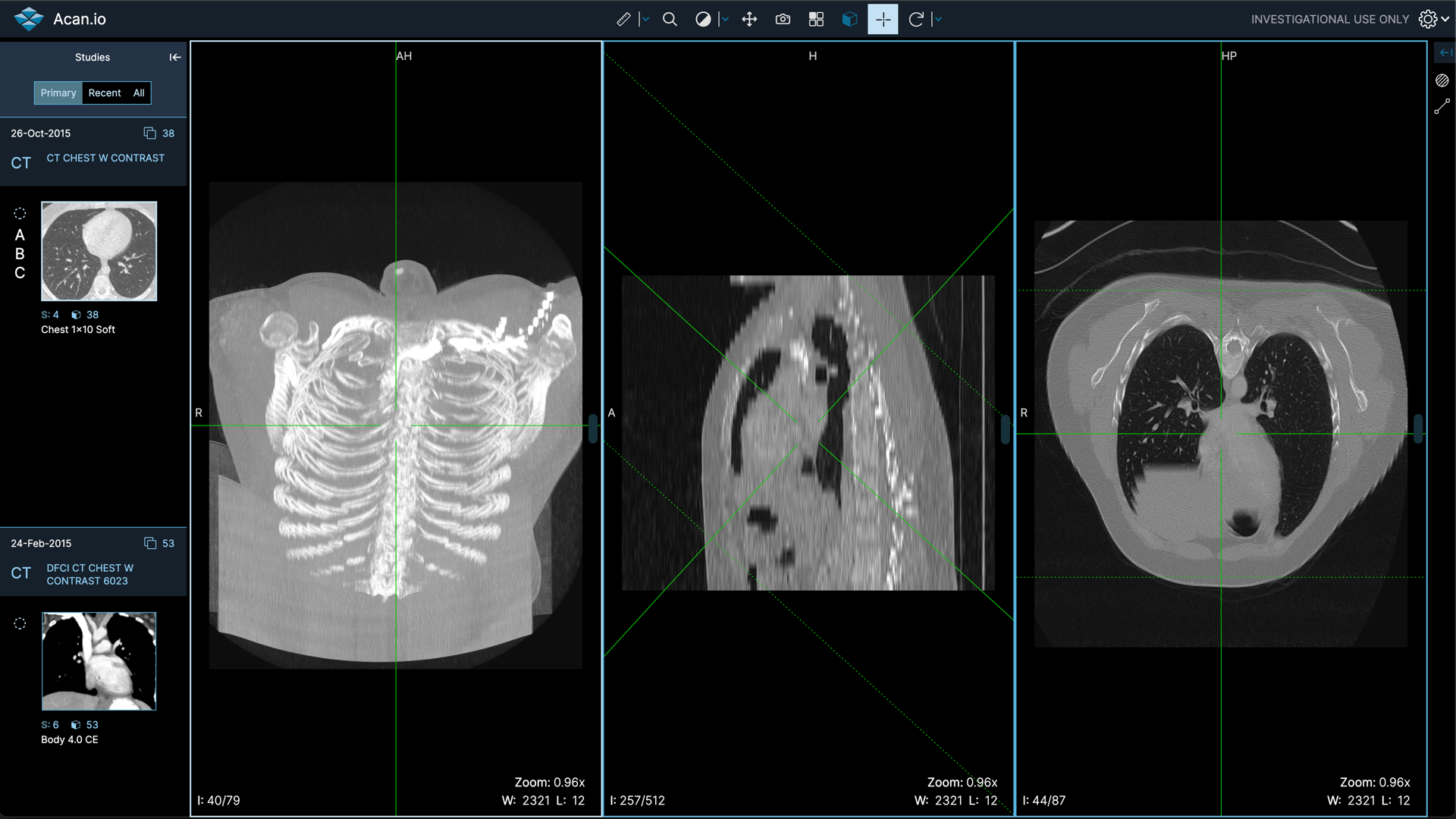
Switching to a cloud DICOM viewer seems like a smart move until you start wondering what happens if things go wrong.
Data center failures and vendor shutdowns aren’t just theoretical risks anymore.
Your medical images could become inaccessible exactly when you need them most, and that’s a problem no healthcare facility wants to face.
What Protects Your Data During Outages?
Most reputable providers use automatic redundancy systems and multiple backup locations to prevent data loss. These systems kick in before you even know there’s a problem.
Research shows that infrastructure failures can cost as much as $100,000 per hour, and critical application failures can cost $500,000 to $1 million per hour. That’s why cloud providers invest heavily in preventing downtime.
Most cloud DICOM viewer services store your data across multiple geographic locations. If one data center goes down in California, your images are still accessible from servers in Texas or New York.
Redundancy available in data centers that aren’t all in the same physical location ensures backup still works automatically.
The technical term for this is “high availability architecture.” Your vendor should offer at least 99.9% uptime guarantees. Some providers go further with 99.99% or higher commitments.
Recovery Point Objective (RPO) and Recovery Time Objective (RTO) are two metrics that matter here. RPO refers to the data you can lose in a disaster, while RTO is the time to resume normal business operations after an outage. Good providers keep both numbers extremely low.
How Do Cloud DICOM Viewer Vendors Handle Data Center Failures?
Vendors typically implement automatic failover systems that redirect traffic to functioning data centers within minutes. You might not even notice when a switchover happens.
The process works through load balancing and monitoring systems. When one location goes down, clients looking to access their data are directed to one of the active servers, not the ones that are powered off.
Advanced data backup and recovery techniques such as incremental backups, snapshots, replication, and cloud-based storage provide high levels of reliability, security, and scalability. Your vendor should be using at least two of these methods simultaneously.
Some vendors offer what’s called “disaster recovery as a service.” If your primary PACS system fails, a secondary system can be quickly operational subsequent to a restore from cloud backup. This gives you multiple layers of protection.
Real-time replication means your data exists in multiple places simultaneously. If Dallas has problems, your images are already sitting in Atlanta or Phoenix, ready to go.
What Happens if Your Vendor Goes Out of Business?
Contract provisions and data export capabilities determine whether you can retrieve your images before the shutdown. This is where vendor selection really matters.
Without a robust data migration plan, there is a high risk of permanent data loss during the provider’s closure. You need to check these details before signing any contract.
Look for vendors that offer standard DICOM export formats. Your contract should specify how much notice you’ll get before shutdown and what format your data will be delivered in. Some providers give 90 days notice, others might give you less.
Vendor Neutral Archives (VNAs) provide additional protection here. VNAs are built for long-term data storage and archiving facilitating cross-vendor migration without risk of imaging data loss. They’re designed specifically to prevent vendor lock-in situations.
The biggest risk comes from smaller providers without solid financial backing. If your provider goes out of business without warning, you may not receive adequate notice to retrieve your data.
How Should You Evaluate Provider Reliability?
Check uptime guarantees, data redundancy methods, and disaster recovery certifications before choosing a vendor. Don’t just take their word for it.
Look for providers that publish their uptime statistics publicly. A reliable service usually promises 99.9% uptime, ensuring your data is accessible when you need it. Ask about their longest outage in the past two years.
Investigate how they handle data backups. A trustworthy provider should have multiple backups across different locations to prevent data loss. Geographic distribution matters more than total number of backups.
Financial stability indicators include how long they’ve been in business, customer base size, and whether they’re publicly traded. Venture-backed startups carry higher shutdown risk than established companies.
Compliance certifications like SOC 2 Type II and HIPAA show they take security seriously. The DICOM service is designed for protected health information (PHI), meeting all regional compliance requirements including HIPAA, GDPR, and CCPA.
What Can You Do to Protect Yourself?
Maintain local backups of critical images and negotiate strong data export clauses in your contracts. Don’t put all your eggs in one cloud basket.
Regular backups to external drives or alternative cloud services are essential to maintain control over files and mitigate risks. This might sound like extra work, but it’s insurance you’ll be glad you have.
Consider hybrid approaches that keep recent images locally while archiving older studies in the cloud. This gives you immediate access to current cases even if cloud services go down.
Your contract should specify data export formats, timeframes, and costs. Some vendors charge hefty fees for data export during contract termination. Get these details in writing upfront.
Set up monitoring alerts for service status. Many providers offer status pages or API endpoints you can check automatically. Don’t wait for patients to tell you the system is down.
What Role Does Vendor Neutral Architecture Play?
Vendor-neutral systems reduce dependency on any single provider and make switching easier if problems arise. Think of it as keeping your options open.
Unlike a PACS system, a VNA allows medical images received from several devices, modalities, and locations to be viewed and stored in a collaborative manner. You’re not locked into one vendor’s ecosystem.
Standard DICOM formats work with multiple viewing platforms. Images can be stored using a standard interface, enabling access via any workstation, regardless of vendor. This flexibility becomes crucial during vendor transitions.
Multi-cloud strategies spread risk across different providers. If one goes down, you still have access through another. Some organizations use one provider for primary storage and another for disaster recovery.
Cloud marketplaces from major providers like Amazon, Google, and Microsoft offer additional stability. Solutions are also available on significant cloud marketplaces, making deployment and management straightforward.

FAQs
How Long Do Data Retention Guarantees Last?
Most cloud providers guarantee data retention for 30-90 days after contract termination, giving you time to retrieve files before deletion.
Can You Access Images During Provider Maintenance?
Scheduled maintenance typically involves failover to backup systems, so access remains available, though performance might be slower temporarily.
What Format Should You Request for Data Exports?
Standard DICOM format ensures compatibility with other systems, while some providers also offer ZIP archives containing individual image files.
How Quickly Can Alternative Providers Restore Service?
With proper planning and standard DICOM exports, alternative providers can typically restore access within 24-48 hours of receiving your data.
Should You Negotiate Uptime Penalties?
Yes, service level agreements should include financial penalties for downtime exceeding agreed thresholds, providing both incentive and compensation for outages.
The reality is that no cloud DICOM viewer provider is completely immune to problems, but the right preparation and vendor selection can protect your imaging data through almost any scenario.